Sell your skins.
Get a quote, send your items through Steam, then withdraw your available balance.
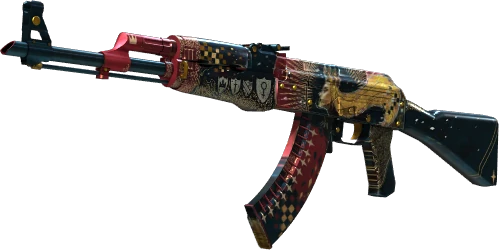
- Select and quoteChoose items from your Steam inventory. Review the fixed offer before trading.
- Send and verifySend only the quoted items to our official Steam account, then submit the offer ID.
- Wait, then withdrawVerified trades have a protection wait of at least 8 days before the balance becomes available.
Loading your seller account...
Start with your Steam account.
Sign in to load your inventory, follow sales and manage withdrawals.
 Continue with Steam
- Available to withdraw
- —
- Cleared sales, ready for a withdrawal request.
- Waiting for clearance
- —
- Trade protection must end before these funds are available.
- Withdrawal in progress
- —
- Reserved for your active withdrawal requests.
Choose skins to sell
Loading selling availability...
Your CS2 inventory must be public. Select up to 12 skins per quote. Only tradable items with a supported price can receive an offer.
Load your Steam inventory to choose items.
Your sales
A quote does not credit your balance. We verify the trade and wait for its protection period to end.
Withdraw your balance
Withdrawals use your cleared EUR balance.
Withdrawal history
Follow each request from review to the payment provider's confirmed result.
Need help with a trade or withdrawal? Contact support and include your sale or withdrawal reference.